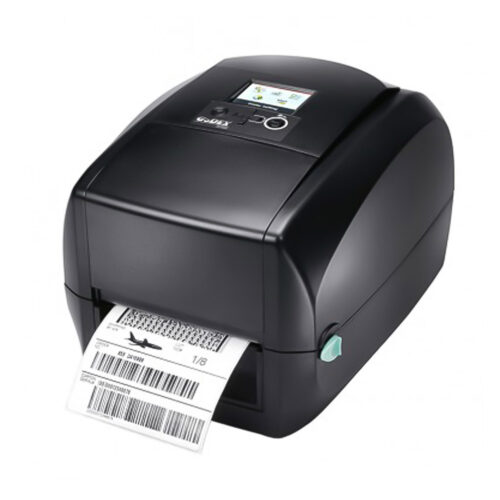
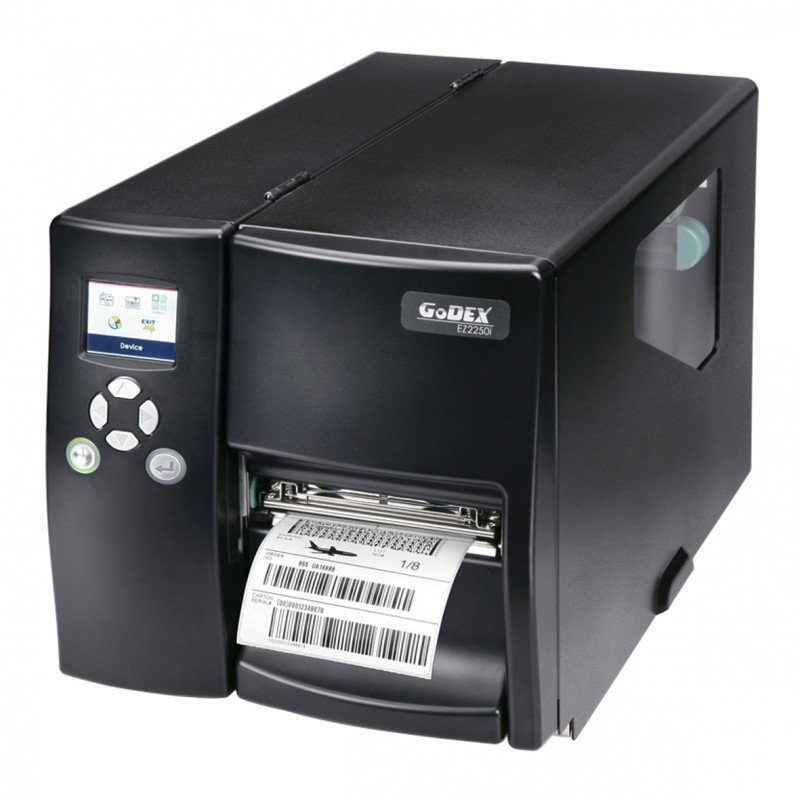
Advanced barcode label printer built for high-volume work, printing in direct thermal or thermal transfer at 203 dpi, 104 mm wide and 177 mm/s. Takes large rolls and long ribbons with automatic ribbon adjustment, and works standalone with a keyboard on USB Host.
GODEX EZ2250i LABEL PRINTER
997,00€ + VAT
1.206,37€ VAT included (21%) In stock
- Free shipping on this productMainland Spain and Balearic Islands
- We ship within 24–48 hUsually, once payment is received
- Since 1987 in Albacete (Spain)20,700+ customers · our own technical service
- Questions? Call or message us+34 967 219 649 · WhatsApp +34 670 863 794 · reply in < 24 h
- Secure paymentCard, PayPal or bank transfer · 14-day returns
Description
The Godex EZ2250i label printer is an advanced barcode printer built for high-volume work, notable for its high speed and rugged build. It prints in direct thermal or thermal transfer at 203 dpi, with a 104 mm print width and 177 mm/s.
What a high-volume barcode label printer is used for
This is the printer for stations that do not stop: packing lines, despatch, back rooms with daily batch production. Its size lets it hold large label rolls and long ribbons, with automatic ribbon adjustment, which in practice means fewer stops to reload consumables halfway through a run.
- Food processing: batch, date and traceability labelling in production.
- Despatch and logistics: case and destination labels in volume.
- Back rooms: daily runs of product labels.
- Warehouses: bulk identification of locations and product codes.
- Stations without a PC: standalone printing via a keyboard on USB Host.
Technical specifications
| Brand and model | Godex EZ2250i |
| Technology | Direct thermal or thermal transfer |
| Resolution | 203 dpi |
| Print width | 104 mm |
| Speed | 177 mm/s |
| Panel | Colour display and quick-setup panel |
| Emulation | Triple, with automatic selection |
| Interfaces | USB, RS-232 and Ethernet |
| USB Host | Allows a keyboard to be connected for standalone use |
| Consumable capacity | Large rolls and long ribbons, with automatic ribbon adjustment |
| Internal rewinder | Optional |
| Calibration | Automatic label calibration button |
Printing without a computer: what standalone use means
The USB Host port lets you plug in a keyboard and work without a PC: the operator selects the template and types the variable data — batch, date, weight — directly on the printer. In a back room that removes the computer from a wet station, which is where computers survive worst, and shortens the chain between the person making the product and the person labelling it.
Automatic calibration and triple emulation with automatic selection point the same way: fewer manual adjustments on a roll change, and compatibility with other manufacturers’ printer languages, so the machine can replace another without redoing the templates.
What’s included
- One Godex EZ2250i label printer.
- Bernad® advice on labels, ribbon and workstation setup.
Frequently asked questions
Direct thermal or thermal transfer?
This printer does both. Direct thermal for short-life labels, with no ink consumable; thermal transfer with a ribbon when the label has to stay readable months later, go into a cold store, or survive rubbing inside a case.
How much ribbon does it hold?
It is designed for long ribbons and large rolls, with automatic ribbon adjustment. That is precisely its advantage in high volume: you change consumables far less often than on a compact desktop printer.
What does the internal rewinder add?
It takes up the printed web inside the machine itself, with no external accessory. It is optional; if you need to wind larger roll diameters or work across several printers, an external rewinder gives more flexibility.
Can it replace a printer from another brand?
Triple emulation with automatic selection lets it interpret other manufacturers’ printer languages, which in practice makes it easier to swap in a unit without rebuilding every template. Test it with your actual labels before retiring the old machine.
What does the calibration button do?
It automatically detects the format of the loaded label — its height and the gap between labels — so that the print comes out centred. It is the first step on a roll change and prevents most misaligned-print problems.
Other printers and equipment
- Godex G500 label printer: desktop unit for small and medium runs.
- Godex RT700i printer: standalone with a USB keyboard.
- Godex ZX1200i labelling machine: industrial high-speed unit.
- T10 label rewinder: external take-up of the printed run.
Specifications
| Weight | 1 kg |
|---|
No reviews for this product yet. Only customers who have purchased it can leave a review.
Related products
-
 Manual labellers
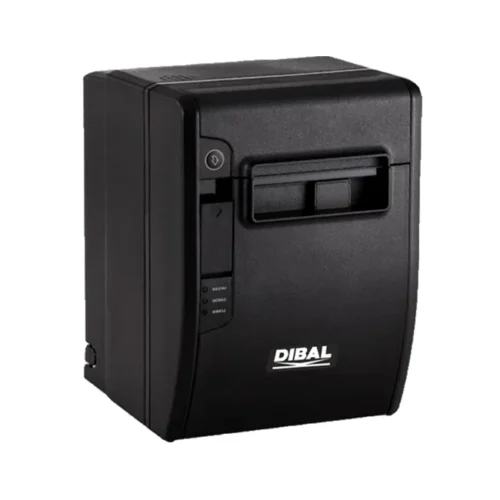
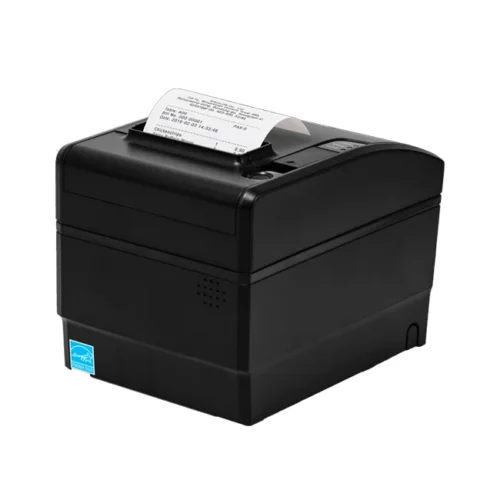
DIBAL IRL38 LINERLESS LABEL PRINTER
-
 Manual labellers
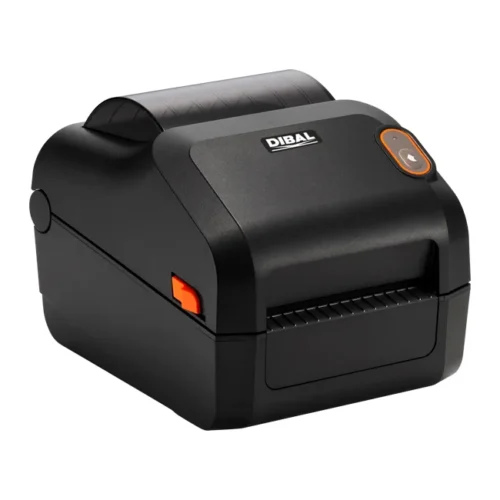
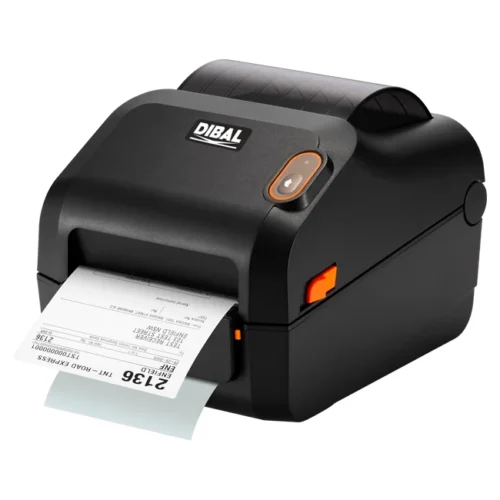
DIBAL IRE48 LABEL PRINTER