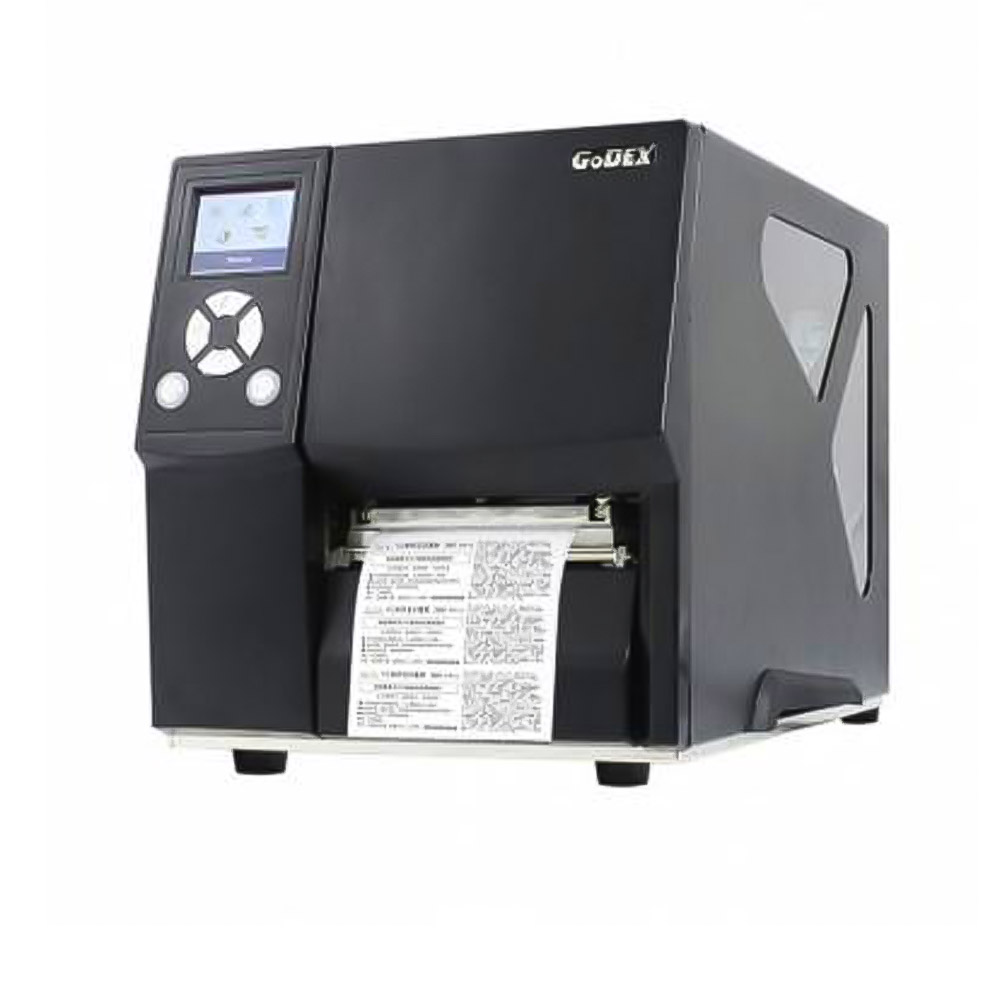
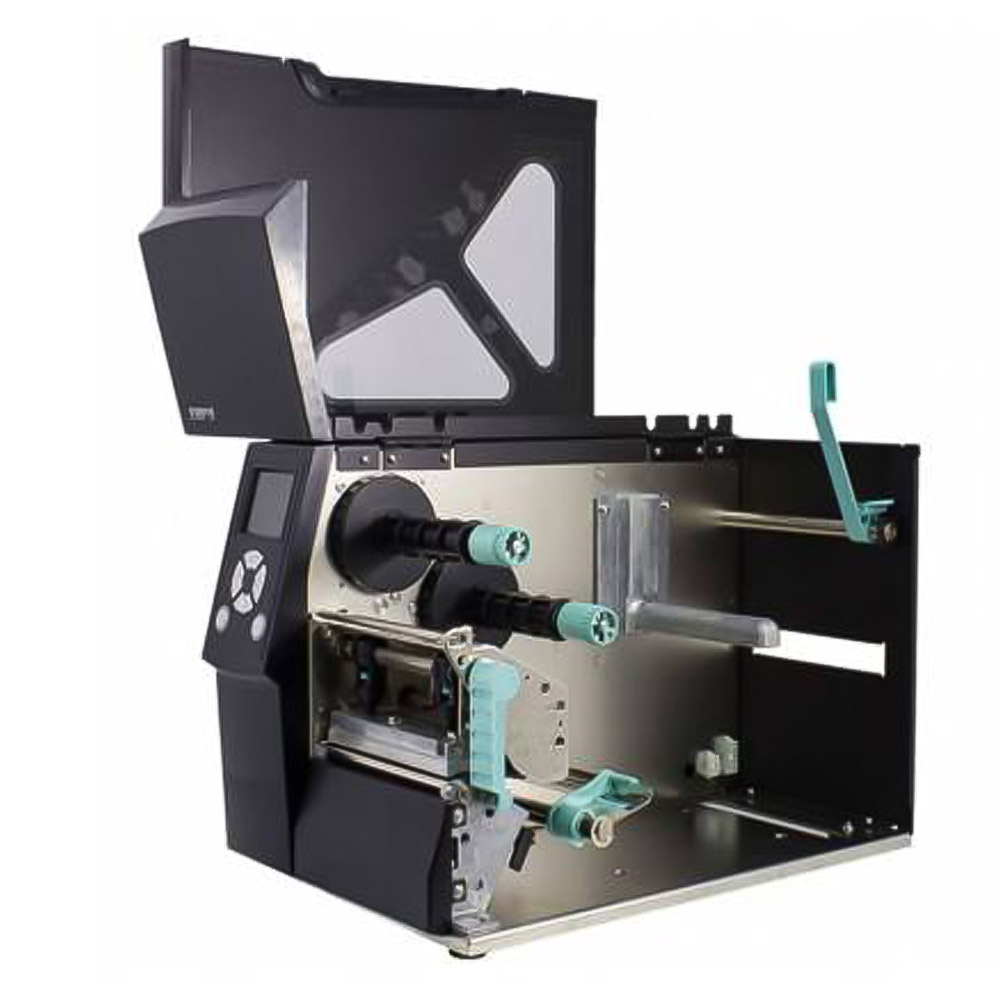
Label printer with a touchscreen panel and 128 MB of Flash, enough to hold a template for every product line on the printer itself. Thermal transfer and direct thermal at 203 dpi, 108 mm print width and 152 mm/s, keeping serial and parallel ports for older lines.
GODEX ZX420i TOUCHSCREEN LABEL PRINTER
872,00€ + VAT
1.055,12€ VAT included (21%) In stock
- Free shipping on this productMainland Spain and Balearic Islands
- We ship within 24–48 hUsually, once payment is received
- Since 1987 in Albacete (Spain)20,700+ customers · our own technical service
- Questions? Call or message us+34 967 219 649 · WhatsApp +34 670 863 794 · reply in < 24 h
- Secure paymentCard, PayPal or bank transfer · 14-day returns
Description
The Godex ZX420i printer is the model in the range with a touchscreen panel, 32 MB of RAM and 128 MB of Flash. It prints in thermal transfer and direct thermal at 203 dpi, with a 108 mm print width, stock up to 118 mm and 152 mm/s.
What a label printer with 128 MB of memory is used for
The 128 MB of Flash memory is its distinguishing feature: it lets you store a large number of templates, fonts and graphics on the printer itself. Where there are many different product lines — each with its own label, logo and nutrition panel — that memory saves having to send the full design with every job.
- Food processing with many product lines: one stored template per product.
- Back rooms and packing: changing format from the touchscreen.
- Despatch: case and pallet labels with the logo built in.
- Warehouses: identifying locations and product codes.
- Integration with older equipment: retains serial and parallel ports.
Technical specifications
| Brand and model | Godex ZX420i |
| Technology | Thermal transfer and direct thermal |
| Resolution | 203 dpi |
| Print width | 108 mm |
| Media width | Up to 118 mm |
| Speed | 152 mm/s |
| Panel | Touchscreen display |
| CPU | 32-bit |
| RAM | 32 MB |
| Flash memory | 128 MB |
| Sensor | Adjustable |
| Interfaces | USB 2.0 (B-Type), serial port, parallel port, USB Host and Ethernet |
| Software | GoLabel |
| Emulation | Godex, Zebra and Eltron |
| Options | Cutter |
Wax, resin or wax-resin ribbon: which to choose
In thermal transfer the ribbon is what determines how durable the print is. Wax is the cheapest and the most common on paper stock: it works well on warehouse and case labels, but it scratches under abrasion and does not cope with sustained moisture. Resin is the opposite extreme: it bonds to synthetic facestock and stands up to moisture, cold and rubbing, which is what a label going into a cold store or a freezer has to survive.
In between sits wax-resin, the middle option most widely used in food processing: better resistance than wax without the cost or the facestock requirements of resin. The practical rule is that the ribbon has to be matched to the label material; a resin ribbon on plain paper will not perform. Where the label or its adhesive may come into contact with the food, the material also has on materials and articles intended to come into contact with food.
What’s included
- One Godex ZX420i printer.
- GoLabel label design software.
- Cutter available as an option, on request.
- Bernad® advice on matching label stock and ribbon.
Frequently asked questions
Why does it still have serial and parallel ports?
To integrate with equipment and installations that still use those connections, common on production lines that have been running for years. Together with USB 2.0, USB Host and Ethernet, it covers practically any connection scenario without adapters.
What does the touchscreen give you?
It lets you change template, adjust settings and calibrate without opening the software on the PC. At a station where several people print different labels through the day, that cuts down a lot of calls to whoever looks after IT.
What do you need 128 MB for?
To store templates, typefaces and graphics inside the printer. That is the key difference against the 8 MB models: with many product lines, each with its own design and logo, the memory saves resending the whole design with every job.
Can it replace a Zebra printer?
It includes Godex, Zebra and Eltron emulation, so it interprets those brands’ printer languages. In practice that makes swapping one in easier without rebuilding the templates, though it is worth testing with your real labels before retiring the old unit.
Does it have a dispenser?
It is offered with a cutter option. If you need the label to come out already peeled from the liner so it can be applied by hand, check the specific configuration before ordering.
Other printers and equipment
- Godex ZX1200i labelling machine: the bigger sister in this family.
- Godex RT700i printer: standalone with a USB keyboard.
- Godex EZ2250i label printer: high volume with large rolls.
- T20 label rewinder: take-up for wide labels.
Related products
-
 Labellers
OPEN S-16 TWO-LINE MANUAL PRICE LABELLER
-

 Printers
GODEX EZ2250i LABEL PRINTER